Kenny Yeung: Evening the playing field
System principal Kenny Yeung embraces his lived experience as he advocates for equitable access to supports and extracurriculars for students

Email communication in today’s classrooms

We’ve all been there. An email arrives from a parent or colleague, leaving a pit in our stomach. It could be about an incident with a student, a conflict with a parent or staff member, or any number of issues that produce a sense of dread. In that moment, it can feel tempting to fire off a quick reply, but this can create a flurry of messages that leaves both people feeling angry, hurt or anxious.
Though email may be considered ancient compared to other digital tools such as text messaging, social media and apps, it remains a primary source
of communication in most schools.
When dealing with a sensitive or difficult situation, however, emailing is not the best choice of communication tools. Heightened emotions create a high risk that messages could be misinterpreted. Since relationships are key in such situations, a phone call, online meeting or in-person meeting are much better choices to clarify a situation and build understanding.
Schools and school districts can create more optimal conditions through thoughtful email policies. For example, one Alberta school has a policy that states that a reply can be expected within 24 hours on school days (excluding weekends and holidays) and to call instead if the situation requires immediate attention. This ensures that the sender receives a timely response while also allowing teachers to rest and recharge.
Teachers' use of email is complicated by their concern for their students, families and coworkers. As a result, setting limits on when and how we read and respond to communications may be tough. One size does not fit all, but it starts with being mindful about how we use email and other digital communications tools.
Email for teachersSome dos and don’tsEmail dos
Email don’ts
|
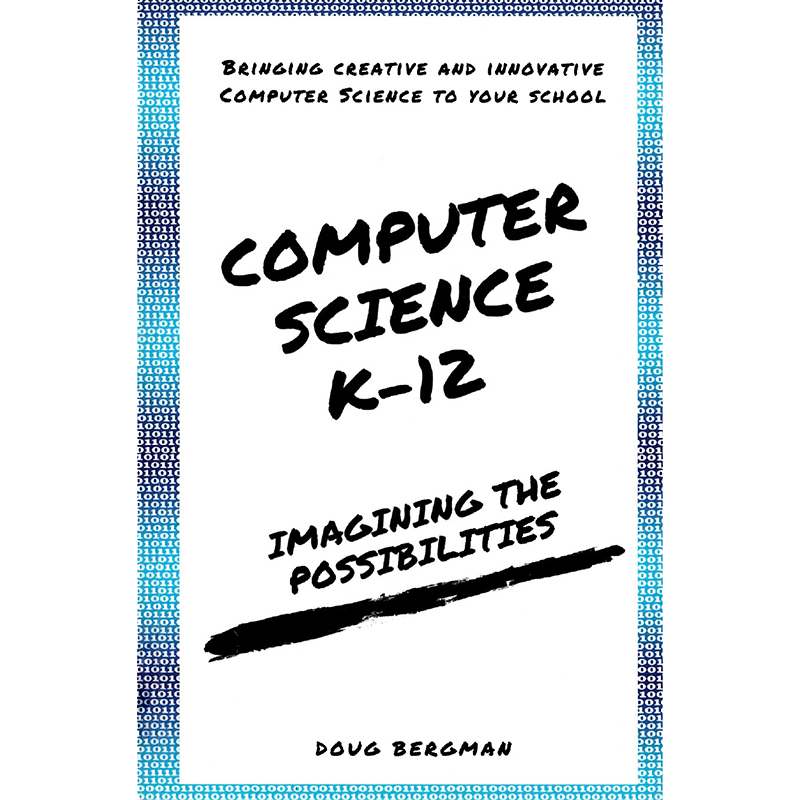
Computer Science K–12:
Imagining the Possibilities
Doug Bergman
Available through the ATA library.
Follow these steps in Google Slides to create an engaging magazine cover:
These steps are explained in detail in a video created by Darren Maltais, a teacher with Black Gold School Division and a member of the ATA’s Education Technology specialist council. Maltais’s video also includes templates for inside pages, and his approach can be adapted to create projects such as infographics and social media templates.

System principal Kenny Yeung embraces his lived experience as he advocates for equitable access to supports and extracurriculars for students

It’s all connected

Creating a hopeful vision for the future of public education in Alberta