
What's your favourite book to use with students in grades 4 to 6?
Kid lit

Readily available tools help students who struggle with reading typing and writing

Technology tools are available to support students with a variety of needs. The following three tools, which are readily available to most teachers in Alberta schools, support student literacy and independence.
There are a variety of options available to most Alberta students. For Chromebooks and the Chrome browser, the Read&Write for Chrome toolbar offers features such as text-to-speech, writing and vocabulary supports. It works on any web page containing text along with Google and Microsoft document and presentation software. To learn more, visit academy.texthelp.com.
Text to speech is available on iPad web browsers as a default by selecting the text, then “Speak” from the context menu. For Microsoft Word on Windows devices, the Read Aloud tool offers the same functionality, and the Edge browser has text-to-speech capabilities built in for any website.
Speech-to-text is another common feature available on most classroom technology devices. Google Docs has the “Voice Typing” feature in the Tools menu. Word has the “Dictate” feature, and the dictation (microphone) icon is present on the keyboards of iPads and other iOS devices.
This support removes barriers for students who are challenged by typing or writing.
Students with reading or comprehension needs may benefit from hearing embedded audio recordings or viewing embedded videos from their teachers to better understand instructions or feedback. PowerPoint includes the ability to record audio on any file. The free Mote.com extension allows teachers to embed audio recordings on any Google Slide. The free Screencastify extension allows teachers to record audio, video or their screen and copy/paste a link as a text comment anywhere in any document.
To avoid unwanted ads when sharing a YouTube video with students, insert a hyphen between the T and the U in the YouTube URL.
For example, if the URL for your video is this:
→ https://www.youtube.com/watch?v=ABCDEFG
Change it to this:
→ http://www.yout-ube.com/watch?v=ABCDEFG
This may not work for all videos, and ads embedded in the video content cannot be removed.
For more support with assistive technologies, connect with the Education Technology Council of the Alberta Teachers’ Association (ETCATA) at etc.teachers.ab.ca.

@DitchThatTxbk
Teaching with less reliance on the textbook with focus on #edtech and creative teaching.

@HollyClarkEdu
I help teachers discover the power of AI to craft memorable and impactful learning experiences.

@Catlin_Tucker
I <3 learning! International Trainer. Expertise: #BlendedLearning & #OnlineLearning

@codebreakeredu
Breaking code isn't just about programming and AI, it's about disrupting the status quo in education.
@ETCATA
The Education Technology Council of the Alberta Teachers' Association.
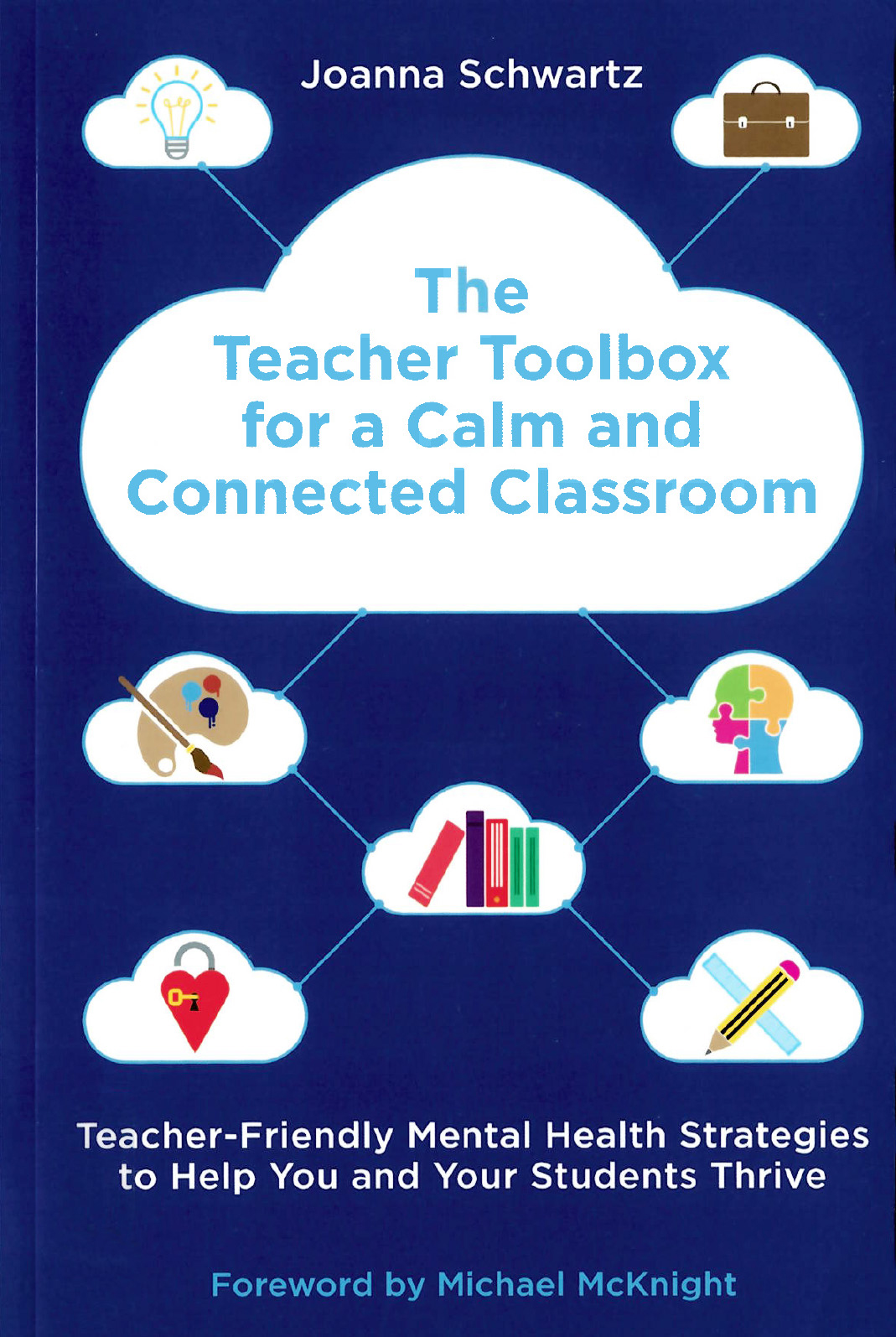
Joanna Schwartz
Available through the ATA library

Executive Staff Officer, Professional Development, ATA